Octopus MCP Proxy
HTTP/stdio compatible MCP server with API/MCP relay functionality and user-based permission management via a Web admin interface.
GitHub Repository{ .md-button .md-button--primary } 日本語ドキュメント{ .md-button }
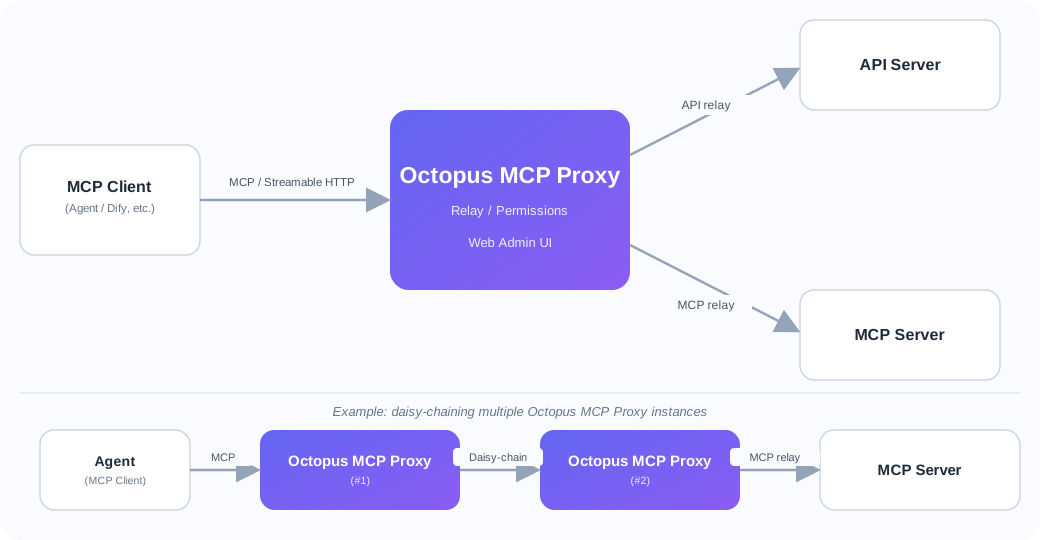
Key Features
- MCP Protocol Support: Compatible with both HTTP and stdio, including Streamable HTTP (SSE)
- Relay Functionality: Relay to API and MCP servers, including daisy-chaining multiple Octopus MCP Proxy instances
- Permission Management: User-specific Tool usage permission control (3-tier hierarchy)
- Web Admin Interface: Manage Services, Capabilities, Accounts, and admin users
- Bearer Token Authentication: Per-account token generation
- Horizontal Scaling: Split WEB / MCP containers and share sessions via Redis to scale out
Screenshots
Note
Octopus MCP Proxy ships with a built-in language switcher (top-right corner). The screenshots below show the English UI; a Japanese UI is also available.
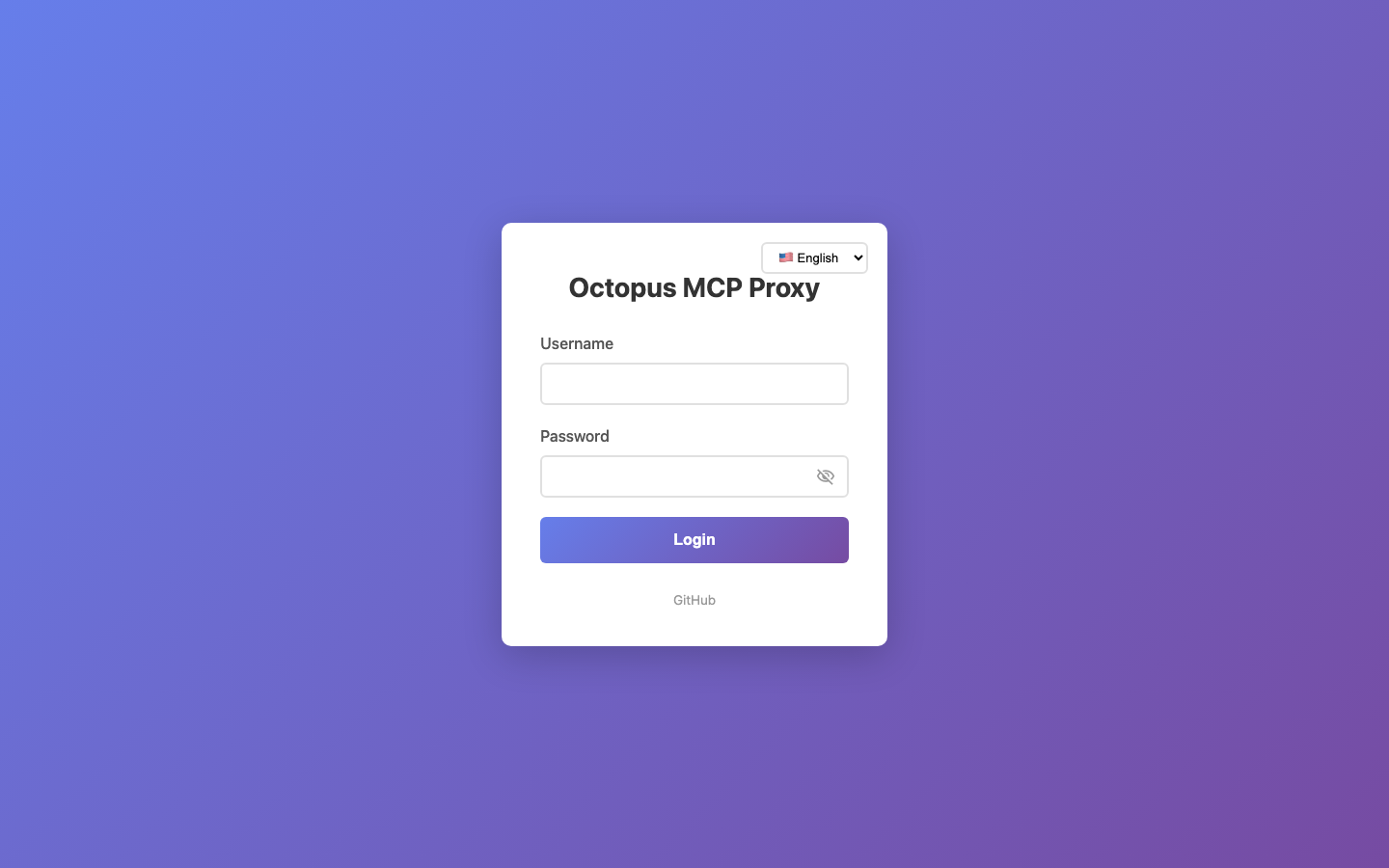 Login screen
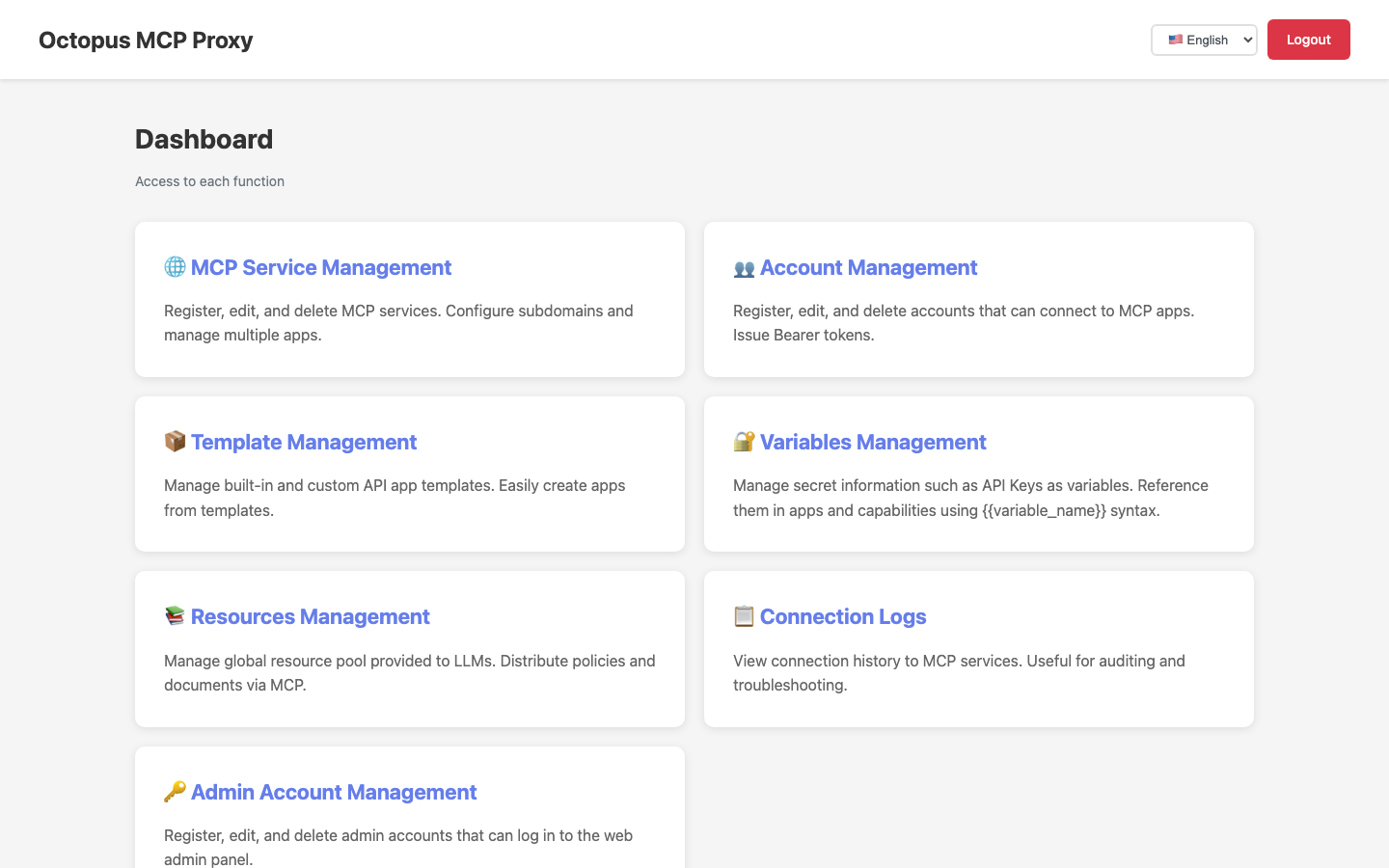 Dashboard — entry point to every admin feature
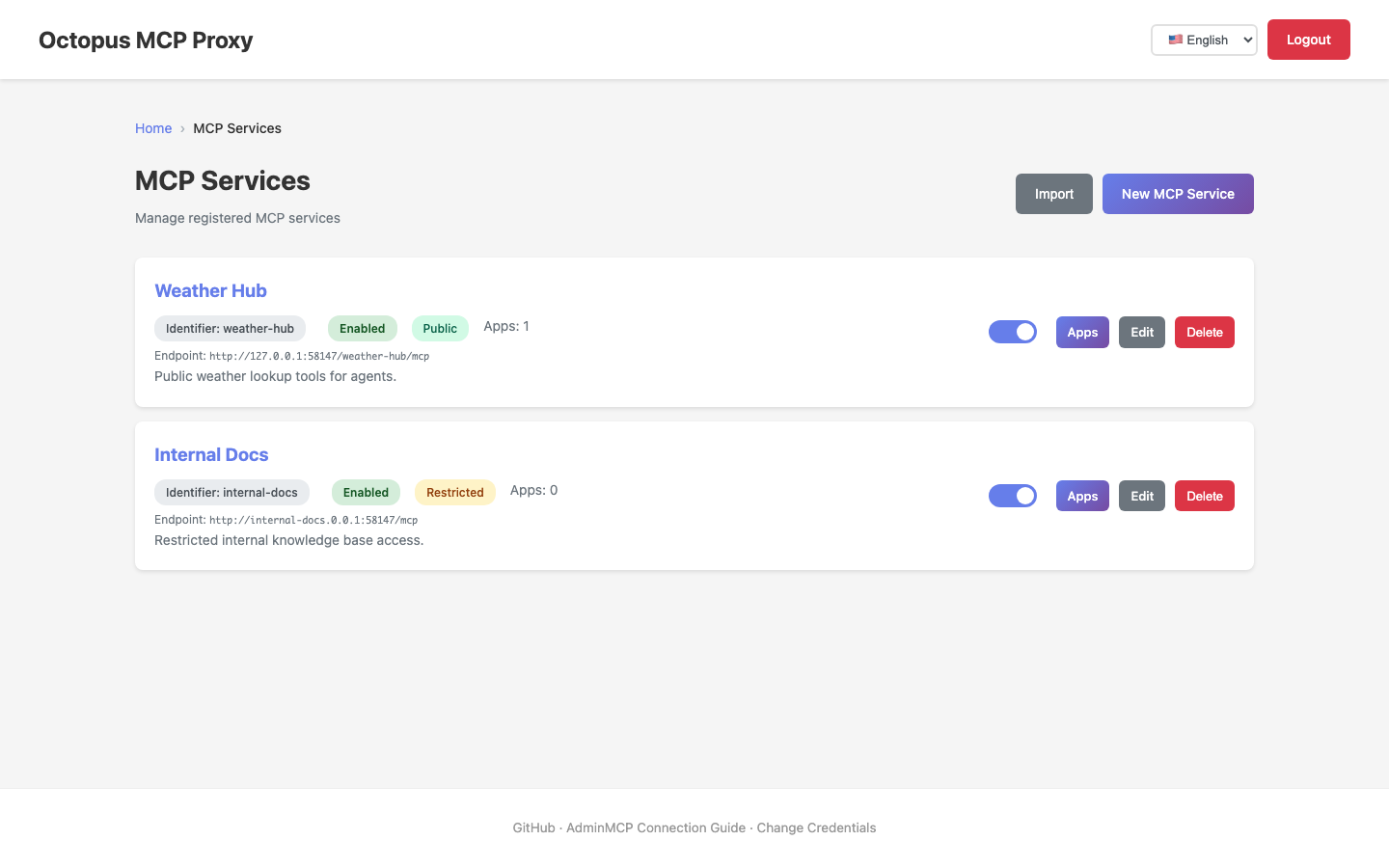 MCP services list — shows public/restricted access control at a glance
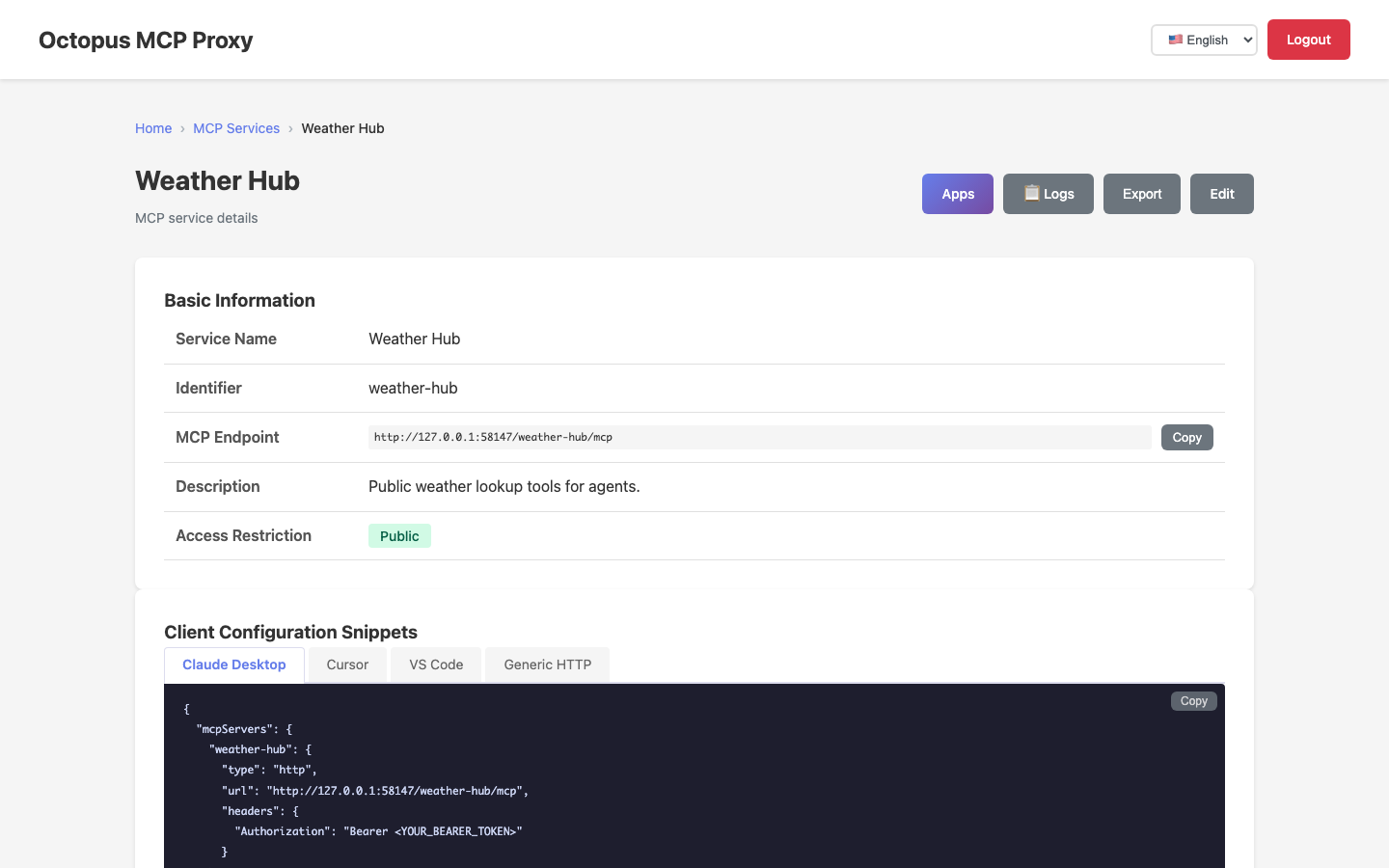 MCP service detail — auto-generated client configuration snippets for Claude Desktop / Cursor / VS Code
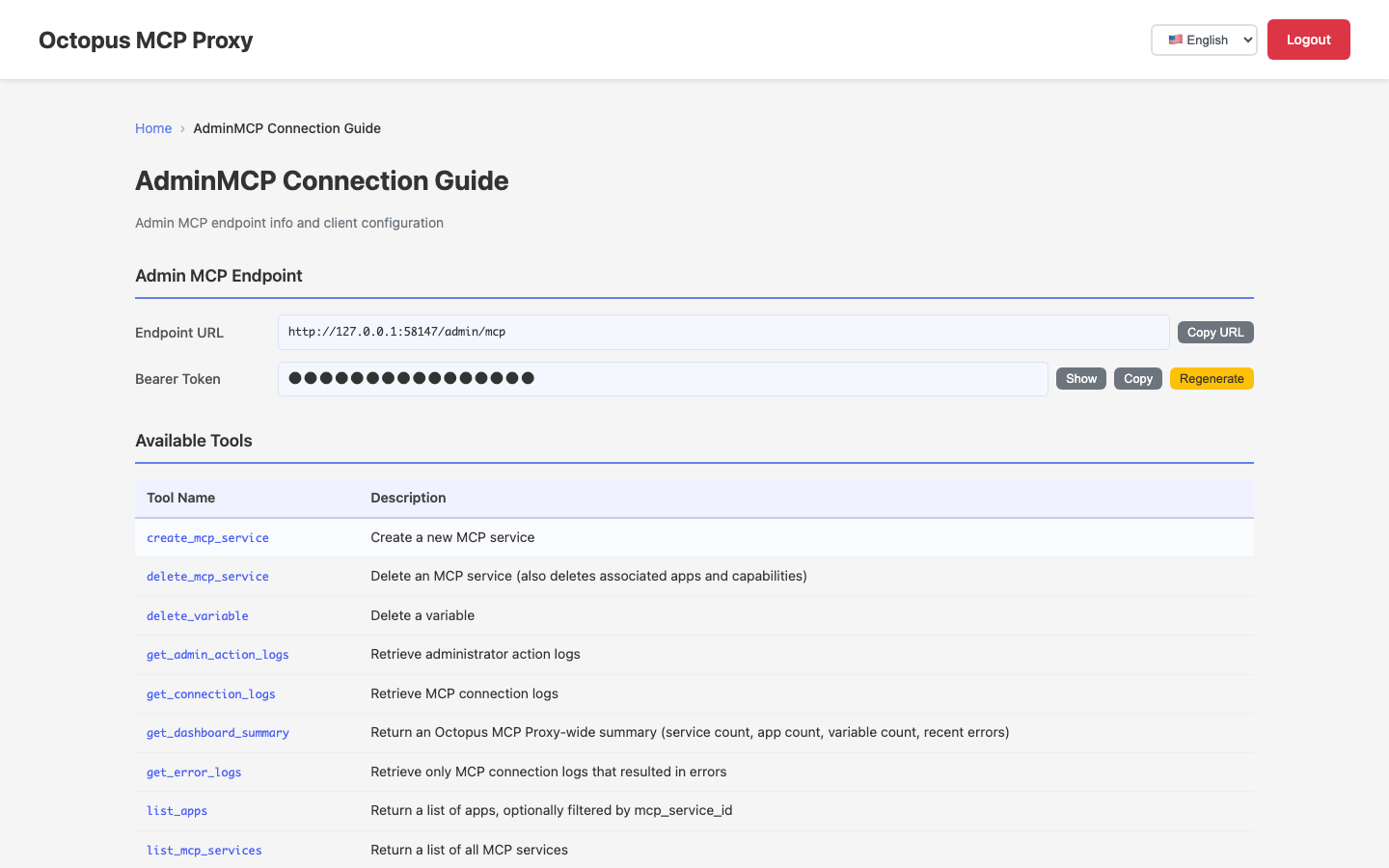 AdminMCP connection guide — endpoint info and the list of available tools
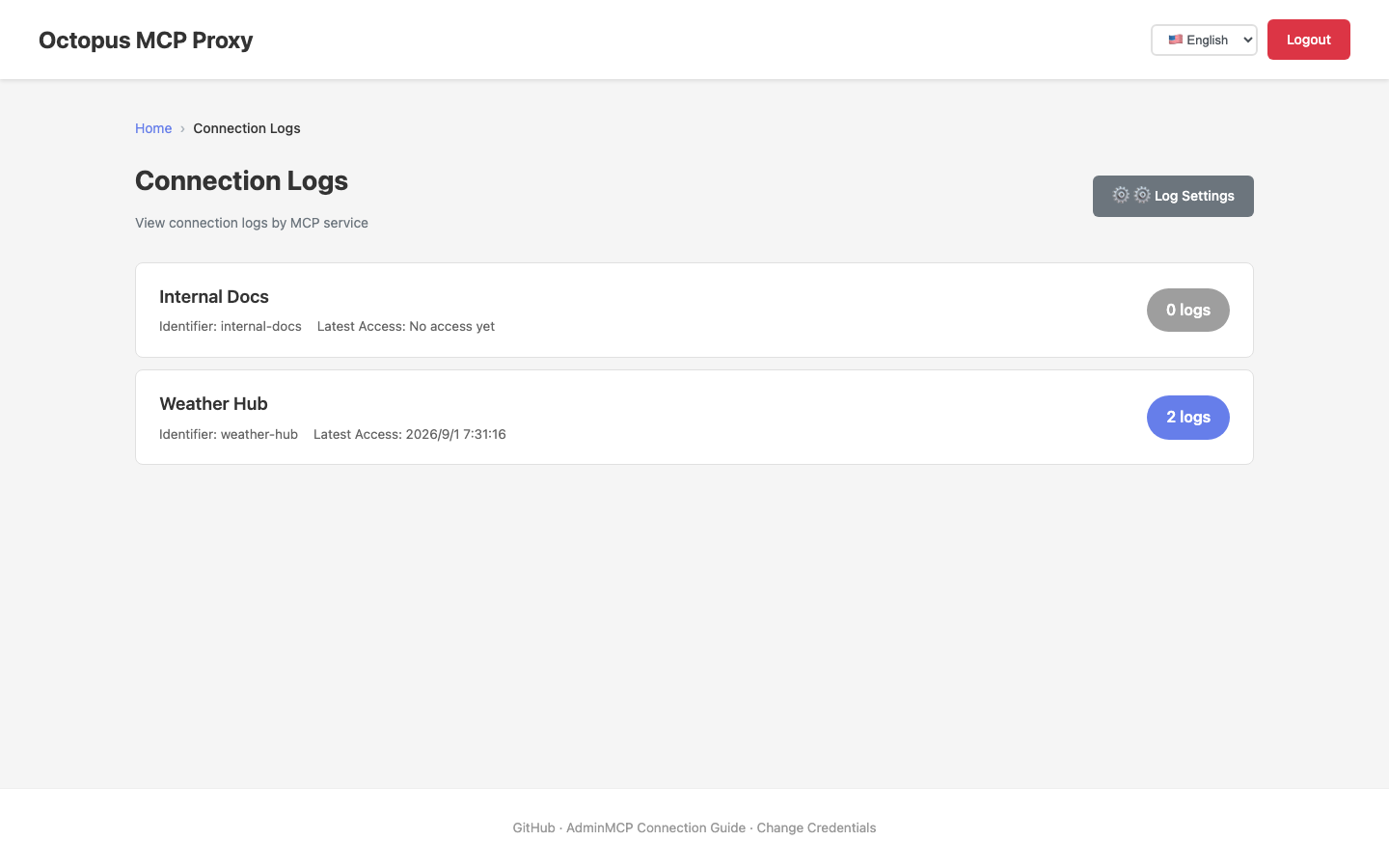 Connection logs — review connection history per MCP service
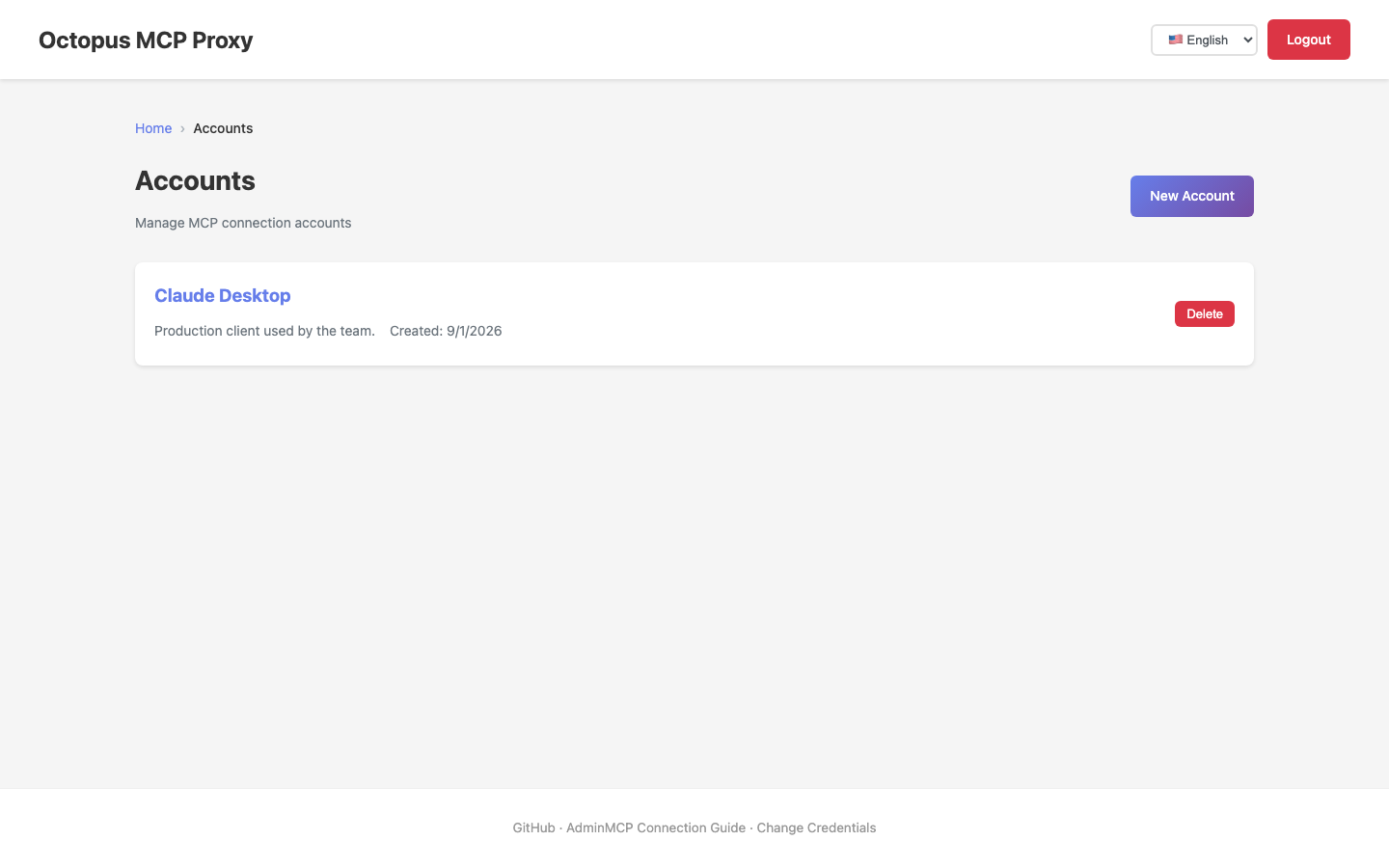 Connection accounts list — issue Bearer tokens for MCP clients
Documentation
| Document | Description |
|---|---|
| Quick Start | Fastest way to start and test the MCP server in 5 minutes |
| Setup Guide | Detailed setup and startup instructions |
| MCP Endpoints | Detailed usage of each MCP server endpoint |
| Directory Structure | Project structure based on MVC pattern |
| Testing Guide | How to run unit and integration tests |
| E2E Testing | How to run E2E tests with Playwright |
| Database Migration | Database migration management with Flask-Migrate (Alembic) |
| Scaling & Containers | Container layout, single-host vs. multi-host, Redis-backed sessions |
About This Project
This project was built 100% through vibe coding — all code was implemented via pair programming with AI.
Models used: Claude Sonnet 4.5 / 4.6, Claude Opus 4.8